Breathe New Life Into Your Old PC: 21 Easy Upgrades
Sofía García ·
Listen to this article~5 min
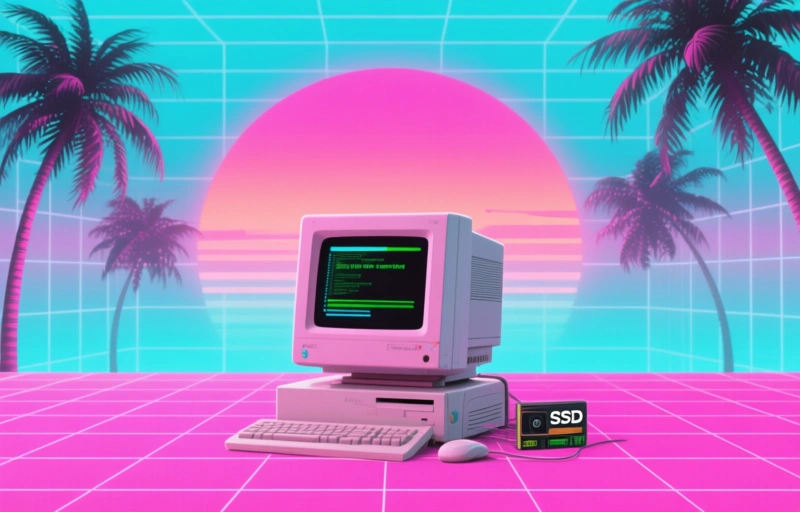
Don't trash your old PC yet. Learn 21 ways to revive it, from SSD upgrades and RAM boosts to repurposing it as a home server. Save money and reduce e-waste.
We've all been there: that old laptop or desktop sitting in the corner, collecting dust. It's slow, it's clunky, and you're convinced it's time to toss it. But hold up. Before you spend hundreds on a new machine, consider this: your old PC might just need a little TLC. With a few smart upgrades, you can turn that dinosaur into a daily driver again. And honestly, it's easier than you think.
### Why You Shouldn't Give Up on Your Old Computer
First, let's talk about the elephant in the room: performance. Over time, software gets heavier, updates pile on, and your once-speedy PC starts to crawl. But here's the thing: the hardware inside is often still capable. The real bottleneck is usually one or two components that have aged poorly. By swapping out a few parts, you can get a machine that runs like new for a fraction of the cost of a replacement.
### The Power of an SSD Upgrade
If you do only one thing, make it this: swap your old hard drive for a solid-state drive (SSD). It's the single biggest performance boost you can give any computer. Boot times drop from minutes to seconds, apps open instantly, and the whole system feels snappier. A 500GB SSD costs around $50 to $70 these days, and installation is straightforward. You'll wonder why you didn't do it sooner.
### Boost Your RAM for Better Multitasking
Next up: RAM. If your PC has 4GB or less, you're probably hitting the wall every time you open a few tabs. Upgrading to 8GB or 16GB can make a world of difference. Prices are low right now—around $30 to $60 for a decent kit. Check your motherboard's specs first, but most older machines support at least 8GB. More RAM means you can keep more programs open without your computer begging for mercy.
### Freshen Up the Operating System
Sometimes the hardware isn't the problem—it's the software. If you're running an old, bloated version of Windows, consider a clean install. It wipes away years of junk, registry errors, and forgotten programs. Alternatively, you could try a lightweight Linux distro like Ubuntu or Mint. They're free, secure, and run beautifully on older hardware. Plus, they come with all the essentials: web browser, office suite, and media player.
### Give Your PC a Physical Makeover
Don't forget the outside. A dusty case can cause overheating, which throttles performance. Open it up, blast out the dust with compressed air, and make sure fans are spinning freely. If the thermal paste on the CPU has dried out, reapply it for better cooling. While you're at it, replace the old thermal paste—it's cheap (around $5) and can drop temperatures by 10°F or more.
### Repurpose Your Old PC as a Server
If you don't need a daily driver, turn that old PC into a home server. You can use it to store files, run a media server (like Plex), or host a personal website. It's a great way to keep the machine useful without expecting it to handle modern games or heavy software. Plus, it'll save you from buying a dedicated NAS or cloud subscription.
### Quick Wins: Simple Fixes That Make a Difference
Here are a few more ideas that cost almost nothing:
- **Clean up your startup programs.** Disable anything you don't need at boot.
- **Run a disk cleanup and defrag** (if you're still on a hard drive).
- **Uninstall bloatware** that came pre-installed.
- **Update your drivers**—especially graphics and chipset drivers.
- **Add a second monitor** if your PC can handle it. It's a productivity game-changer.
### The Bottom Line
Your old PC isn't a lost cause. With a little time and maybe $100 to $150 in parts, you can have a machine that handles everyday tasks with ease. And if you decide to upgrade later, you can always recycle the old parts responsibly. So before you toss it, give it a chance. You might be surprised at what it can still do.
*This article was originally inspired by a piece from PCMag, but we've added our own practical insights to help you make the most of your hardware.*