Build Your Home Lab: Why a Mini PC is the Perfect Starter
James Moore ·
Listen to this article~5 min
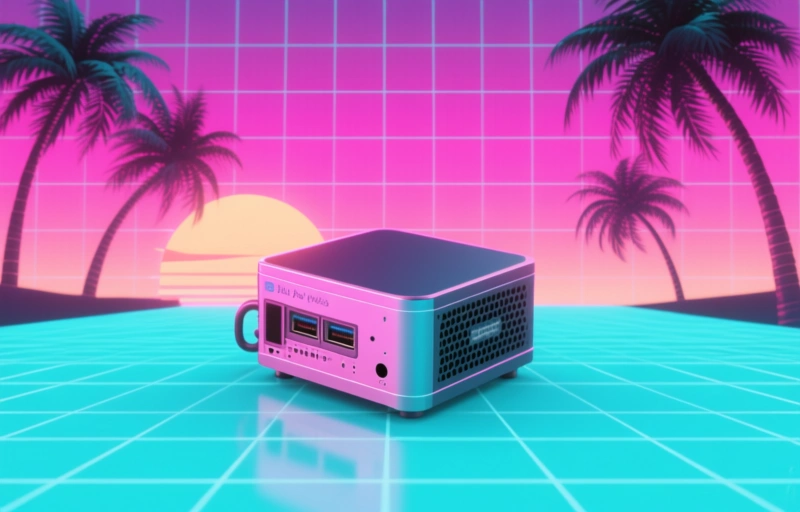
Starting a home lab? A modern mini PC offers the perfect blend of low cost, small size, and capable performance for beginners. Learn why it's the ideal foundation for learning and experimentation.
So, you're thinking about building a home lab. That's fantastic. It's a journey that can feel overwhelming at first, especially when you're staring at a blank space on your desk wondering where to even begin. Let's talk about that first, crucial piece of hardware. Forget the massive server racks for a moment. The perfect entry point for most of us isn't the biggest or most expensive option. It's often the smallest and most versatile one: a modern mini PC.
These little powerhouses have come a long way. They're not just for streaming movies anymore. For a new home lab enthusiast, they offer a blend of capability, affordability, and simplicity that's hard to beat. You can get started without needing a dedicated room or a degree in electrical engineering.
### Why a Mini PC Makes Sense for Beginners
Think of it like learning to cook. You don't start by trying to prepare a five-course banquet for twenty people. You start with a simple, reliable pan and a few good ingredients. A mini PC is that reliable pan. It gives you a controlled, manageable environment to experiment, learn, and make mistakes without a huge upfront investment or power bill.
Here's what makes them such a compelling choice:
- **Low Power, Low Noise:** They sip electricity compared to old desktop towers or servers. You can leave it running 24/7 without worrying. They're also whisper-quiet, so you won't be listening to fan noise all day.
- **Physical Footprint:** It's tiny. You can tuck it behind a monitor, on a shelf, or in a cabinet. Space is a premium for most home labs.
- **Surprising Performance:** Modern mini PCs with recent processors and plenty of RAM can handle a surprising workload. We're talking about running multiple virtual machines, containerized applications, network services, or a media server without breaking a sweat.
- **Cost-Effective Gateway:** The initial cost is lower, which means you can allocate budget to other things like networking gear, storage, or software. It lowers the barrier to entry significantly.
### What Can You Actually Do With It?
This is where the fun begins. Your mini PC can become the brain of your new digital playground. You can use it to learn and host real-world services. For instance, you could set up a personal cloud storage server to back up your files. You could run a home automation controller to manage smart devices. It's a perfect platform for learning Docker and Kubernetes by actually deploying containers.
You might spin up a virtual machine to test a new operating system, or create a web server to host a personal project. The key is that you're doing it in your own environment, on your own terms. There's no pressure. If something breaks, you just rebuild it. That iterative process of building, breaking, and fixing is where the real learning happens.
As one seasoned lab builder once told me, "The best home lab is the one you actually use." Starting simple ensures you will use it, not be intimidated by it.
### Planning Your First Steps
Okay, you're convinced a mini PC is the way to go. What next? Don't just buy the first one you see. Think about what you want to learn first. Are you focused on networking, software development, or system administration? Your goals will guide your specs.
Prioritize a model with a good processor (look for recent generations from Intel or AMD) and the ability to expand the RAM and storage. Many mini PCs allow you to upgrade these components, which extends their useful life. Start with 16GB of RAM if you can; it gives you room to run a few VMs comfortably. For storage, an NVMe SSD is fast, but having a slot for a 2.5-inch SATA drive is great for adding bulk storage later for media or backups.
The beauty of starting here is that it scales. Your first mini PC rarely becomes obsolete. It often finds a new, permanent role as you expand. It might become your dedicated firewall, your DNS server, or a monitoring node. It's the foundation stone upon which you can build a much larger, more complex lab over time. So take that first step. Get that mini PC, plug it in, and start tinkering. The rest will follow.