Build Your Own Mini PC: Affordable DIY Project for Spare…
Sofía García ·
Listen to this article~5 min
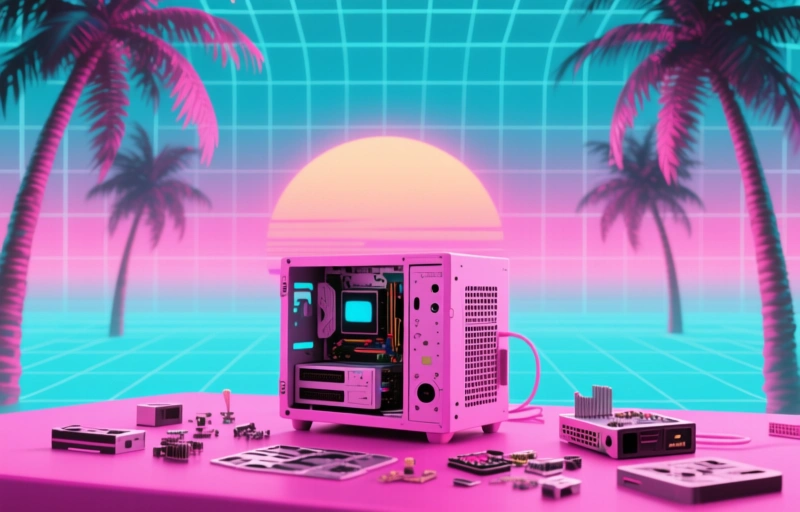
Turn your old computer components into a functional mini PC with this practical guide. Learn what parts you need, how to ensure compatibility, and discover the many uses for your custom-built system while saving hundreds of dollars.
Got a drawer full of old computer parts gathering dust? You know the one - tangled cables, forgotten RAM sticks, maybe a processor you upgraded years ago. Instead of letting that tech treasure trove go to waste, let's talk about turning those components into something genuinely useful: your own custom mini PC.
It's easier than you might think, and honestly, it's one of the most satisfying tech projects you can tackle over a weekend. You're not just building a computer; you're giving new life to hardware that still has plenty to offer. Think of it like culinary leftovers - with the right approach, you can create something surprisingly delicious from what you already have.
### Why Build a Mini PC from Spare Parts?
First, let's address the obvious question: why bother? Well, cost is the big one. A decent pre-built mini PC can easily run you $300-$500, sometimes more depending on specs. When you're working with components you already own, your main investment becomes the mini PC case itself - and those start around $40-$80 for quality options.
Beyond saving money, there's the customization factor. You know exactly what goes into your build. Need more storage for media files? Pop in that extra SSD. Want better graphics for light gaming? Use the dedicated GPU you upgraded from. You're in complete control of the performance profile.
### What You'll Need to Get Started
Here's the beautiful part - you probably have most of what you need already. Let's break it down:
- **Processor (CPU):** Any relatively modern Intel or AMD chip will work
- **Memory (RAM):** DDR3 or DDR4 sticks, 8GB minimum for decent performance
- **Storage:** An SSD is ideal, but even a traditional hard drive works
- **Power Supply:** Mini-ITX cases often include these, or you can buy compact units
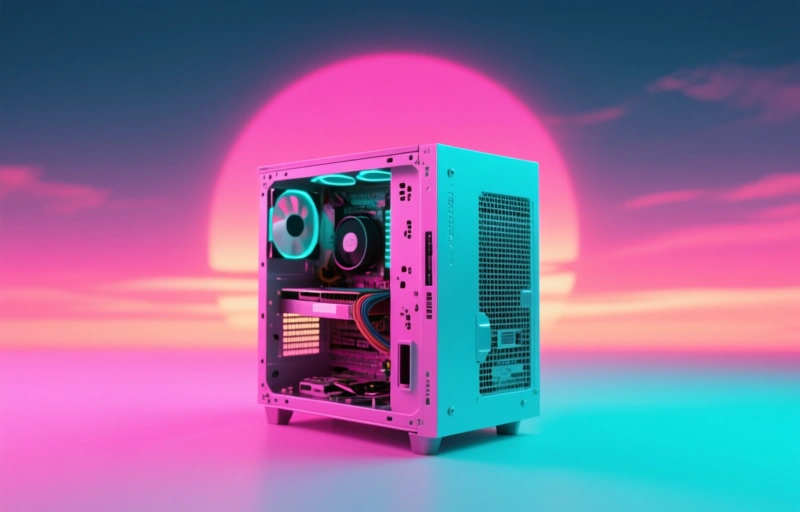
- **The Case:** This is your main purchase - choose based on your motherboard size
One thing I've learned from helping friends with similar projects: compatibility matters more than raw power. Check that your motherboard fits the case, that your RAM matches the motherboard's specifications, and that your power supply can handle everything. It's like putting together furniture - measure twice, buy once.

### The Real Value Beyond Savings
What surprised me most when I built my first spare-parts mini PC wasn't the money I saved (though that was nice). It was discovering how capable these little machines can be. We're talking about a system that can:
- Serve as a media center for your living room
- Handle everyday tasks like web browsing and document editing
- Run as a home server for file storage or backups
- Support light gaming and creative applications
- Function as a dedicated workstation for specific projects
There's something genuinely satisfying about booting up a system you assembled yourself from components that were just collecting dust. It feels like you've unlocked hidden value in your own home.
### Making Smart Choices with Your Build
If you're missing a critical component, here's my advice: shop used before buying new. Sites like eBay and local marketplace apps are goldmines for affordable computer parts. I recently found a compatible processor for a friend's build for just $35 - about a third of what it would cost new.
When selecting your mini PC case, consider both form and function. Some prioritize tiny footprints (as small as 4x4 inches), while others offer better cooling or room for additional components. Think about where this computer will live and what it needs to do.
### The Bottom Line on DIY Mini PCs
Building a mini PC from spare parts isn't about creating the most powerful computer on the block. It's about practicality, sustainability, and that good old-fashioned satisfaction of making something with your own hands. In a world where we're constantly encouraged to buy the newest, shiniest tech, there's real value in maximizing what we already own.
So this weekend, why not dig through those old parts? You might be surprised at what you can create. As one tech enthusiast told me recently, 'The best computer isn't always the newest one - sometimes it's the one you built yourself.'
Your perfect mini PC project might be waiting in that drawer right now. All it needs is your attention and a little creative thinking to come back to life.