Intel Arrow Lake Mini PC Features Flip-Up Status Display
James Moore ·
Listen to this article~5 min
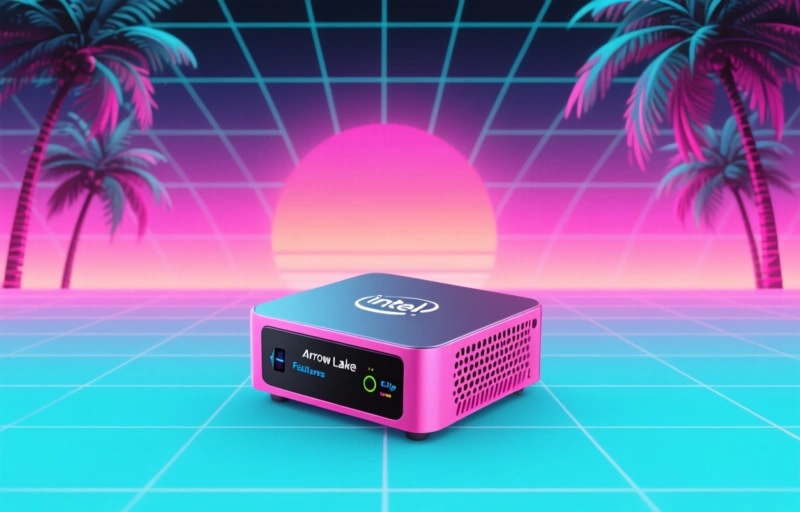
An Intel Arrow Lake mini PC introduces an innovative flip-up status display, offering professionals quick system monitoring without interrupting workflow. This thoughtful design represents a shift toward more user-centric hardware.
You know how mini PCs have been getting smaller and more powerful, but sometimes you miss having that quick glance at what's happening inside? Well, someone's finally addressing that little frustration.
I was just looking at some new hardware developments, and there's this interesting Intel Arrow Lake mini PC that caught my attention. It's got this clever little flip-up status display that solves a problem I didn't even realize was bothering me until now.
### What Makes This Display Different
Most mini PCs either have no status indicators at all, or they've got those tiny LED lights that blink in mysterious patterns you need a manual to decipher. This one's different - it's an actual small display that flips up when you need it and tucks away when you don't.
Think about it like this: you're working on something important, and you want to check if your system's running hot, or maybe you need to see network status without pulling up a full monitoring dashboard. With this setup, you just flip up the display and get exactly what you need.
### Practical Benefits for Professionals
For those of us who work with these systems day in and day out, here's why this matters:
- Quick system health checks without interrupting your workflow
- Real-time monitoring of critical metrics like temperature and load
- No need for external monitoring software just for basic status
- Cleaner workspace since you're not running separate monitoring displays
It's one of those features that seems obvious once you see it. Why didn't anyone think of this sooner?
### The Arrow Lake Advantage
Now, let's talk about what's powering this thing. Intel's Arrow Lake architecture represents their next generation of processors, and putting that in a mini PC form factor is pretty exciting. We're looking at:
- Improved efficiency for better thermal management in small spaces
- Enhanced performance that makes mini PCs truly desktop replacements
- Better integration with modern connectivity standards
When you combine that hardware with thoughtful design elements like the status display, you're getting more than just raw power - you're getting a system that's actually pleasant to work with.
### Why Small Details Matter
Here's something I've learned over the years: the difference between good hardware and great hardware often comes down to these small, thoughtful touches. Anyone can pack powerful components into a small box, but it takes real insight to add features that actually improve the daily user experience.
As one industry observer recently noted, "The best technology doesn't just solve problems - it anticipates needs you didn't know you had."
That's exactly what this status display does. It anticipates that moment when you need information quickly, without disruption, and provides it in the most straightforward way possible.
### Looking at the Bigger Picture
What I find most interesting about developments like this is what they say about where mini PCs are heading. We're moving beyond just making computers smaller and cheaper. We're starting to see real innovation in how these systems interact with users.
The status display might seem like a small thing, but it represents a shift toward more user-centric design in professional computing equipment. It's not just about what the computer can do - it's about how easily you can work with it.
For professionals who rely on these systems, that's a welcome change. We spend enough time troubleshooting and monitoring as it is. Having hardware that gives us information effortlessly means we can focus more on our actual work and less on managing our tools.
### Final Thoughts
I'll be keeping an eye on how this feature develops and whether other manufacturers follow suit. Sometimes it takes one company to try something different before it becomes standard across the industry.
What about you? Have you found yourself wishing for better status indicators on your mini PCs? Or maybe you've discovered other small design features that made a big difference in your workflow? Those are the kinds of innovations that really move the industry forward.
At the end of the day, it's these thoughtful touches that separate ordinary hardware from the systems we actually enjoy using. And when you're working with technology all day, that enjoyment factor matters more than we sometimes admit.