Intel Arrow Lake Mini PC Features Flip-Up Status Display
James Moore ·
Listen to this article~4 min
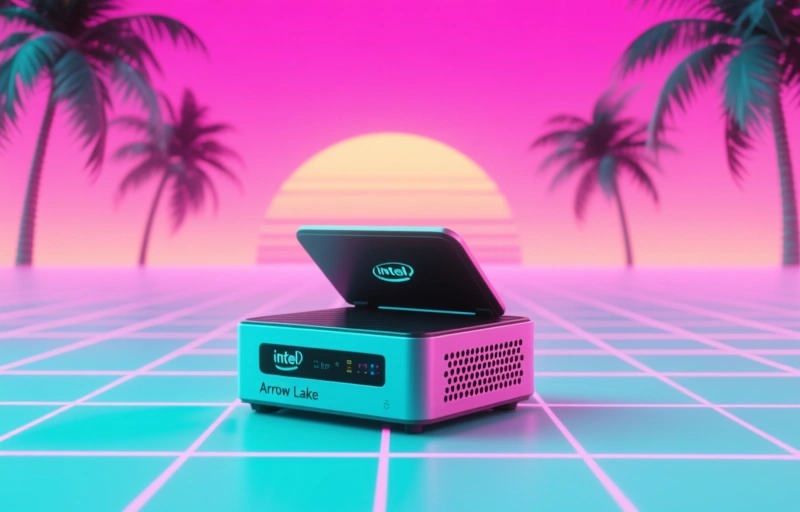
A new Intel Arrow Lake-based mini PC introduces a clever flip-up status display, offering real-time system monitoring at a glance. This feature addresses a common pain point for professionals managing compact, headless systems.
You know how it goes with mini PCs. They're tucked away, hidden behind monitors or mounted under desks. Out of sight, out of mind—until something goes wrong. Then you're scrambling, trying to figure out if it's on, what the temperature is, or why it's not responding. It's a small frustration, but a real one for anyone who relies on these compact workhorses.
That's why this new development caught my eye. A mini PC built around Intel's upcoming Arrow Lake architecture is reportedly featuring something genuinely clever: a small flip-up status display. It's not a massive screen, mind you. But it doesn't need to be. It just needs to tell you what's happening at a glance.
### What This Little Display Actually Does
Think of it like the little notification light on your phone, but smarter. Instead of just a blinking LED, this is a proper mini screen. It can show you real-time information without needing to boot into an operating system or connect a monitor. We're talking about the essentials:
- Current CPU temperature
- System load percentage
- Network activity status
- Power consumption metrics
- Simple error codes if something's wrong
It's the kind of feature that makes you wonder why it wasn't standard before. For system administrators or power users managing multiple units, it's a potential game-changer for quick diagnostics.
### The Arrow Lake Factor
Now, pairing this with Intel's Arrow Lake processors is interesting. Arrow Lake is the next big architectural shift, promising significant efficiency and performance gains. These chips are designed to be powerful yet cool-running—perfect for the thermal constraints of a mini PC form factor.
Having a built-in display to monitor those new chips in real-time? That's a smart pairing. You could theoretically see how the new architecture handles heat under load, right from the chassis. It turns the PC from a sealed black box into something a bit more transparent, literally and figuratively.
### Why This Matters for Professionals
If you're deploying these in an office, a lab, or even a digital signage setup, this isn't just a gimmick. Quick visual status checks mean less downtime. No more pulling out a unit and hooking it up to a spare monitor just to see if it's posting. One glance tells you if it's running hot, if the network's live, or if it's stuck in a boot loop.
As one industry observer noted, 'The best features are often the ones that solve the simple, everyday problems we've learned to live with.' This feels like one of those features. It's a small addition that addresses a genuine pain point in managing compact, headless systems.
### Looking at the Bigger Picture
This move could signal a shift. Mini PCs have always been about saving space and power. But the user experience for managing them hasn't always kept pace. Features like this flip-up display suggest manufacturers are starting to think about the full lifecycle of the device—not just its specs on a sales sheet.
Will other brands follow? It's hard to say. But it sets a new bar for what 'prosumer' and professional-grade mini PCs should offer. It's about giving you control and visibility, even when the machine is designed to be invisible.
In the end, it's a thoughtful touch. It shows an understanding that the people using these machines need information as much as they need processing power. And sometimes, the most innovative idea isn't a faster chip, but a simpler way to see what that chip is doing.