Microsoft's Mini PCs: Full Windows Power in Tiny Hardware
Sofía García ·
Listen to this article~4 min
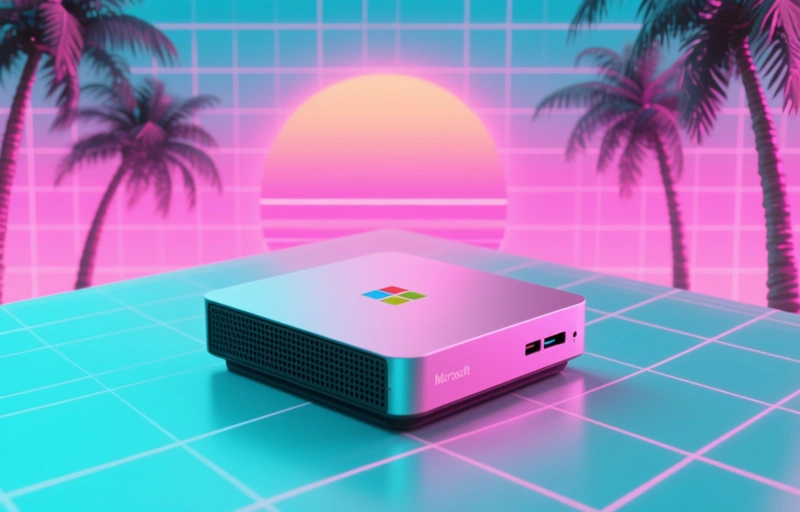
Microsoft's new mini PCs deliver the complete Windows experience in incredibly compact hardware. Perfect for professionals seeking powerful, space-saving desktop solutions without compromise.
Hey there, let's talk about something that's changing the game for professionals who need power without the bulk. Microsoft's new mini PCs are making waves, and honestly, it's about time. We've all been there—staring at a massive tower taking up half the desk, wondering if there's a better way. Well, Microsoft seems to think so.
These aren't just stripped-down versions of Windows. They're the real deal, packed into hardware that's almost laughably small. Think about that for a second. You get the full Windows experience—all the software, all the compatibility, all the power you're used to—but it fits in the palm of your hand. It's a shift that makes you reconsider what a computer needs to look like.
### What Makes These Mini PCs Different?
It's not just about size. The real magic is in how they've managed to cram so much capability into such a small footprint. We're talking about systems that can handle your daily workflow, from spreadsheets and presentations to lighter design work, without breaking a sweat. The thermal management must be something special, because keeping performance steady in a tiny case is no small feat.
For professionals, this opens up a world of possibilities. Imagine setting up a clean, minimalist workspace without a giant PC case. Or deploying these in a retail environment where space is at a premium. They're quiet, they're efficient, and they just make sense for a lot of modern use cases.
### The Hardware Behind the Power
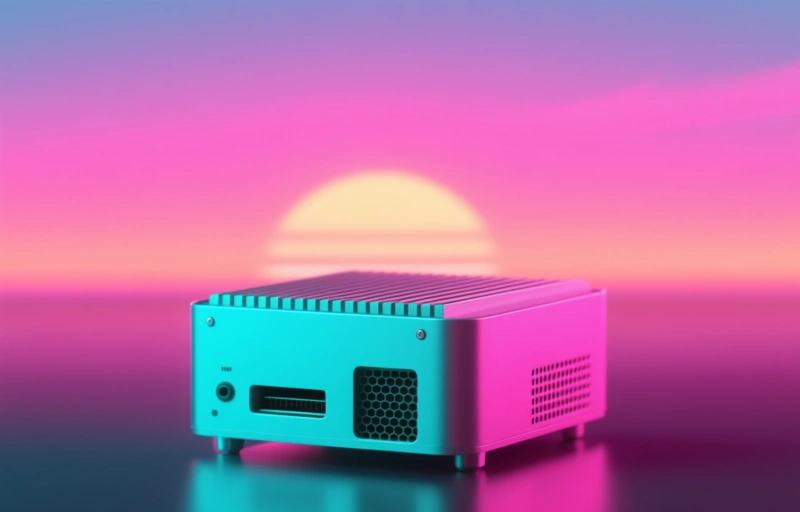
Let's get into the nuts and bolts. These devices typically use efficient, modern processors from Intel or AMD's mobile lines. They're paired with fast solid-state drives and enough RAM to keep things moving. You won't be running the latest AAA games at max settings, but that's not the point. The point is reliable, consistent performance for professional tasks.
- **Connectivity is key:** You'll find a solid array of ports—USB, HDMI, sometimes even Ethernet—so you can connect all your peripherals.
- **Mounting options:** Many are VESA-mountable, letting you tuck them neatly behind a monitor.
- **Power efficiency:** They sip power compared to a traditional desktop, which is good for your electricity bill and the planet.
The beauty is in the simplicity. You plug in a monitor, a keyboard, and a mouse, and you're off to the races. It's computing, distilled to its essence.
### Who Are These Mini PCs Really For?
This is the question, right? They're perfect for a specific set of users. If your work lives in the cloud, in web apps, and in standard office software, these are a dream. Digital signage, point-of-sale systems, and basic workstations are ideal fits. They're also fantastic for home offices where desk real estate is precious.
I remember helping a friend set up a consulting business from a small apartment. Space was the biggest constraint. A setup like this would have been a lifesaver—powerful enough for client work but invisible on the desk.
There's a quote from an industry watcher that stuck with me: *"The best technology gets out of your way and lets you work."* That's the vibe here. These mini PCs aren't the flashy centerpiece; they're the reliable engine quietly doing its job.
### Looking at the Bigger Picture
This move by Microsoft feels significant. It's an acknowledgment that for many, the traditional PC form factor is overkill. It's embracing flexibility and minimalism. By offering the full Windows experience on this hardware, they're not asking users to compromise on software. You get the ecosystem you know, in a package that fits modern life better.
Of course, they're not for everyone. If you're editing 8K video or doing complex 3D rendering, you'll still need a powerhouse machine. But for a huge swath of professional users, this represents a smarter, cleaner way to work. It's one of those ideas that seems obvious in hindsight. Why *should* the box holding the brains be so big? The future of the professional desktop might just be tiny, powerful, and quietly brilliant.