Your Mini PC Is a Laptop Without a Screen: Use It Right
Sofía García ·
Listen to this article~4 min

Stop forcing your mini PC to act like a desktop. It's fundamentally a laptop without a screen. Learn how to shift your mindset and setup to unlock its true potential for flexibility and efficient computing.
So you bought a mini PC. It's sitting there on your desk, maybe tucked behind your monitor, humming along. You're probably treating it just like you would a big, bulky desktop tower. Plug it in, forget about it, and expect it to handle everything.
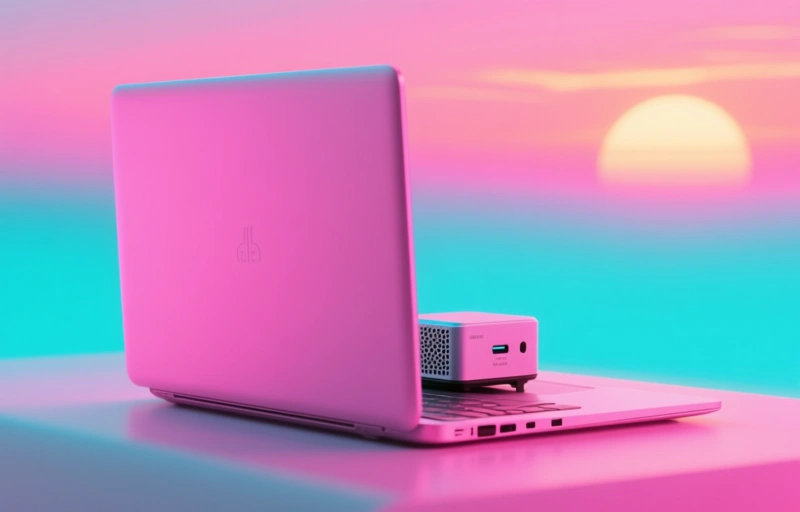
But here's the thing. That's not really what it's built for. If you think about it, a mini PC is essentially a laptop's brain in a tiny box. It's got the same kind of processor, the same RAM, and the same storage. The only thing missing? The screen, keyboard, and battery.
Once you start seeing it that way, a whole new world of possibilities opens up. You stop forcing it into a role it wasn't designed for and start using its strengths.
### The Laptop Mindset for Mini PCs
Think about how you use a laptop. You value portability, right? You appreciate that it doesn't take up much space. You're okay with making some trade-offs on raw power for that convenience.
Your mini PC is asking for the same consideration. It's not meant to be a rendering powerhouse for 4K video editing or run the latest AAA games at max settings. It's built for efficiency in a small package. When you try to push it like a high-end desktop, you'll just get frustrated with thermal throttling and performance limits.
Instead, embrace what it does well:
- Everyday productivity tasks
- Media streaming and light entertainment
- Home server or network attached storage (NAS) duties
- A compact workstation for web browsing and office apps
### Setting Up for Success, Not Struggle
This shift in perspective changes how you set it up. You wouldn't cram a laptop into a poorly ventilated cabinet, so don't do that to your mini PC. Give it room to breathe. Those tiny fans need clear air to keep the components cool.
Power management matters more, too. Just like you'd adjust settings on a laptop to save battery, consider tweaking your mini PC's power profile. You might not need maximum performance all the time for checking email or writing documents.
And about those peripherals? You don't need to connect every gadget under the sun. A laptop has a limited number of ports, and you make it work. Apply that same minimalist approach. Choose a good wireless keyboard and mouse combo to reduce cable clutter, just like you would with a portable setup.
### The Real Power of Thinking Small
When you stop treating your mini PC like a desktop replacement, you start to see its true value. It's about flexibility. You can easily move it from the home office to the living room TV. You can mount it behind a monitor for a clean, all-in-one look. It uses less electricity, which is great for always-on tasks.
As one tech enthusiast put it, "The beauty of a mini PC isn't in competing with desktops, but in redefining what a computer can be."
So, take a step back. Look at that little box on your desk not as a lesser desktop, but as a highly capable, screen-less laptop. Once you do, you'll stop fighting its nature and start enjoying a simpler, more streamlined computing experience that fits perfectly into a modern, space-conscious life.