Skip the Laptop: This Mini PC Powers Your Home Office
Sofía García ·
Listen to this article~4 min
Think you need a laptop for your home office? Modern mini PCs offer comparable power in a tiny footprint, often for less money. Discover why a stationary mini PC could be the smarter, cleaner choice for your desk-bound work.
Let's be real for a second. When you picture a home office computer, what comes to mind? For most of us, it's a laptop. It's the default choice, the safe bet. But what if I told you there's a better option sitting right under your nose? I'm talking about mini PCs.
They're not those bulky towers from the 90s. Modern mini PCs are sleek, quiet, and incredibly powerful. And for a home office setup, they can often outshine a traditional laptop. Here's why.
### Why a Mini PC Might Be Your Perfect Match
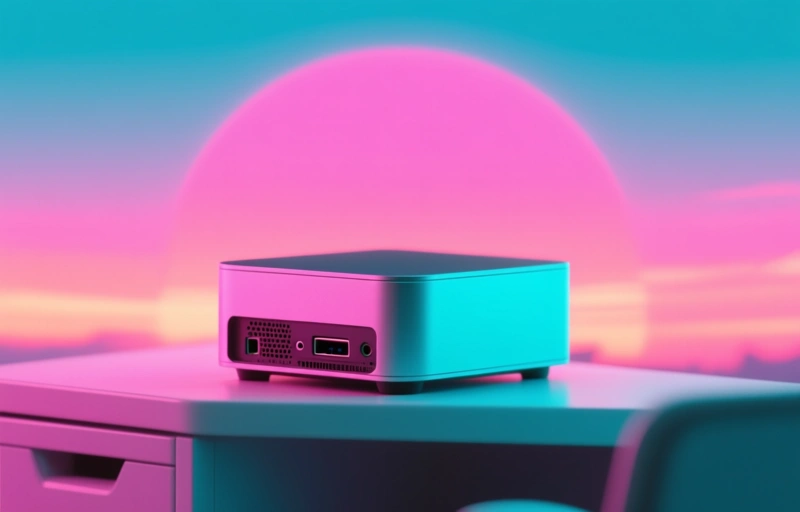
Think about how you actually use your home office computer. It's probably parked on a desk most of the time, right? You've got your monitor, your keyboard, your mouse. The laptop's portability becomes less of a feature and more of an afterthought. Meanwhile, a mini PC takes up almost no space. We're talking a box that's often smaller than a hardcover book. It tucks neatly behind your monitor or under your desk, out of sight and mind.
You get the same core components as a laptop—a fast processor, plenty of RAM, solid-state storage—but often for a better price. Without the cost of a built-in screen, battery, and keyboard, manufacturers can pack more performance into a smaller package. That means you can invest in a better, larger external monitor. Your eyes will thank you after those long video calls.
### The Setup is Simpler Than You Think
I know what you're thinking. "But setting up a desktop sounds complicated." I get it. It feels like more wires, more parts. But honestly, it's just plug and play. You connect the mini PC to power, hook it up to your monitor with an HDMI or DisplayPort cable, and plug in your peripherals. That's it. Modern operating systems like Windows 11 handle the rest seamlessly.
Here are a few key advantages you might not have considered:
- **Easier Upgrades:** Need more storage or memory down the line? With many mini PCs, you can pop open the case and swap components. Try doing that with most modern laptops.
- **Superior Cooling:** That small chassis is designed for efficient heat dissipation, which often means quieter fans and more consistent performance during heavy tasks.
- **Cleaner Desk:** One small box replaces the laptop and its charging brick, reducing cable clutter significantly.

### Making the Right Choice for Your Workflow
Of course, a mini PC isn't for everyone. If you truly need to work from the couch, the kitchen table, and the local coffee shop all in one day, stick with a laptop. But if your work is primarily desk-bound, the value proposition shifts.
You're not sacrificing power. In fact, you might be gaining it. You're gaining a cleaner, more permanent workspace. You're gaining the flexibility to choose exactly the monitor and keyboard that suit you best. It's about building a system around your needs, not adapting your needs to a single, all-in-one device.
As one tech reviewer recently put it, *"For stationary productivity, the mini PC form factor offers an unbeatable blend of performance, value, and discreet design."* It's a sentiment that's catching on.
So before you automatically click 'buy' on another laptop for your home office, take a pause. Consider the humble mini PC. It just might be the silent, powerful, and cost-effective partner your home office has been waiting for. It's the unsung hero of the remote work revolution, and it's time it got its moment in the spotlight.