Top Mini PC Deals: Intel & AMD Picks for Power & Gaming
Sofía García ·
Listen to this article~4 min
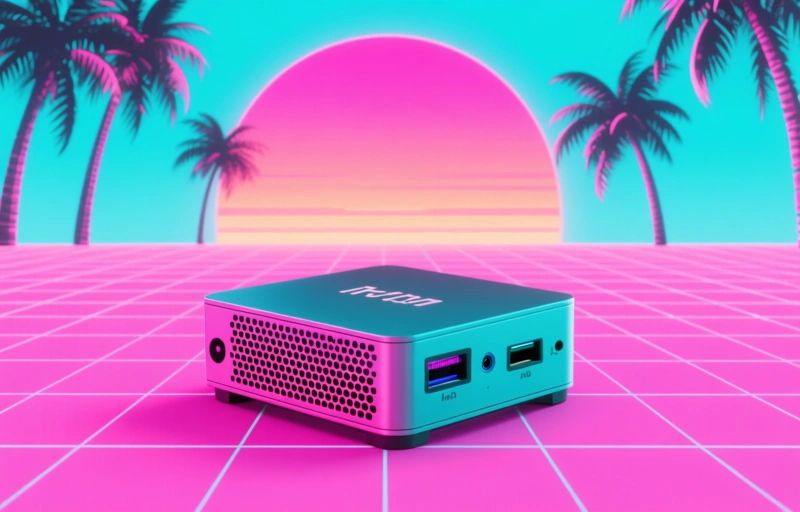
Discover the best mini PC deals for Intel and AMD systems. Find powerful, compact computers perfect for work, gaming, and home media centers. Our guide helps you choose the right specs.
Hey there. If you're looking to save space without sacrificing performance, you're in the right spot. Mini PCs have come a long way. They're not just tiny boxes for basic tasks anymore. Today's models pack serious power into a footprint smaller than a textbook. And right now, there are some fantastic deals to be had.
Let's talk about why you might want one. Maybe your desk is cluttered. Perhaps you need a media center for your living room. Or you're building a compact gaming setup. A mini PC can be the perfect solution. They're quiet, energy-efficient, and surprisingly versatile.
The key is knowing what to look for. You don't want to end up with a machine that can't handle your workload. That's where we come in. We've sifted through the options to highlight the best values for different needs.
### Finding the Right Processor for You
This is the heart of the machine. For most general use—web browsing, office work, streaming—a modern Intel Core i5 or AMD Ryzen 5 is more than enough. These chips offer great balance. They're snappy for daily tasks and sip power.
If you're into content creation, video editing, or more demanding applications, step up to an i7, i9, or Ryzen 7/9. The extra cores and threads make a huge difference when rendering or compiling code. Don't overspend if you don't need it, but don't skimp if you do.

### Gaming on a Mini PC: It's Possible
Yes, you can game on these little machines. It's all about the graphics. Look for models with dedicated GPUs, not just integrated graphics. Some mini PCs now house mobile versions of cards from NVIDIA and AMD. They won't match a full-sized desktop RTX 4090, but they can handle 1080p gaming beautifully on medium to high settings.
For the best experience, prioritize models with good cooling. A hot chip is a slow chip. And make sure you have enough RAM—16GB is the sweet spot for gaming today.
### Don't Forget the Practical Stuff
Before you click 'buy,' check the ports. How many USB ports do you need? Do you require HDMI 2.1 for a 4K/120Hz TV? Is there an Ethernet port, or are you relying on Wi-Fi? Think about your peripherals. A lack of ports is the quickest way to regret a purchase.
Storage is another big one. Many mini PCs use NVMe SSDs, which are blazing fast. Look for at least 512GB. If you hoard movies or games, 1TB is a better starting point. Some models let you add a second drive, which is a great upgrade path.
Here's a quick checklist before you pull the trigger:
- Confirm the processor meets your performance needs
- Check for dedicated graphics if gaming is a priority
- Ensure it has enough RAM (16GB is a great target)
- Verify the storage type and size
- Count the ports and match them to your devices
- Read user reviews about noise and thermals
As one satisfied user put it, *'I was skeptical a box this small could replace my old tower, but the performance is there. It's silent, uses less power, and my desk has never looked cleaner.'*
Setting up a mini PC is usually straightforward. Plug in the power, connect your monitor, keyboard, and mouse, and you're off. Many come with Windows 11 pre-installed. The whole process can take less than 15 minutes from box to browsing.
So, whether you're a professional looking for a sleek workstation, a gamer wanting a compact rig, or someone just tired of a giant tower under the desk, there's a mini PC deal out there for you. The market is better than ever. Take your time, match the specs to your budget and needs, and enjoy all that freed-up space.