Unihiker Terminal Cyberdeck: Mini Linux Handheld
Sofía García ·
Listen to this article~4 min
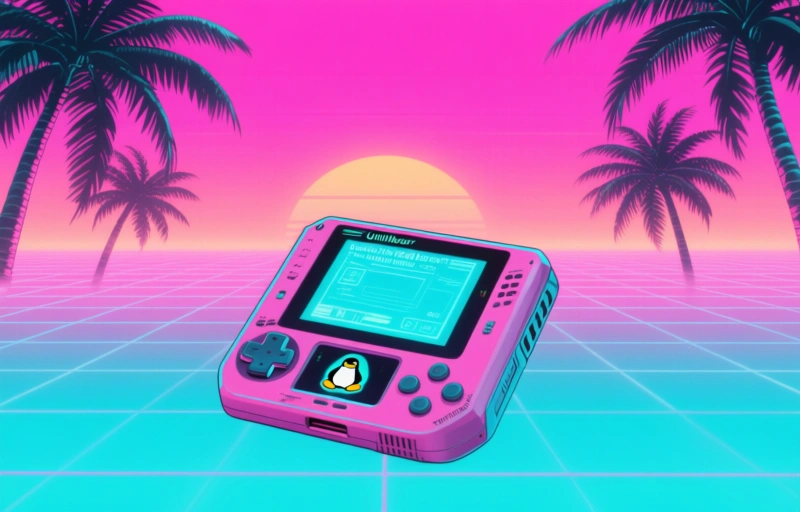
Discover the UNIHIKER Terminal Cyberdeck, a mini Linux handheld computer designed for professionals. Portable, powerful, and ready to use out of the box.
Have you ever wished you could carry a full Linux computer in your pocket? The UNIHIKER Terminal Cyberdeck makes that dream a reality. This mini Linux handheld is built for tinkerers, developers, and anyone who loves the idea of having a portable command station.
### What Makes the UNIHIKER Special?
This isn't just another single-board computer. The UNIHIKER comes as a complete handheld device with a built-in screen, keyboard, and battery. You don't need to piece together a bunch of parts or worry about delicate wiring. It's ready to go right out of the box.
Think of it as a modern take on the classic portable terminal. It runs a full Linux operating system, so you can use all your favorite tools and scripts. Whether you're coding on the go, managing servers, or just exploring what a tiny Linux machine can do, this little device has you covered.
### Key Features That Stand Out
Here's what makes the UNIHIKER Terminal Cyberdeck a great tool for professionals:
- **Full Linux OS**: It runs a standard Linux distribution, meaning you have access to thousands of software packages.
- **Built-in Display**: The screen is crisp and readable, even outdoors.
- **Physical Keyboard**: No on-screen typing frustrations here. The tactile keyboard makes long sessions comfortable.
- **Portable Design**: At just a few inches wide, it slips easily into a bag or even a large pocket.
- **Expandable Storage**: You can add more memory for all your projects and files.
### Who Should Use This?
This device is perfect for system administrators, network engineers, and hobbyists who need a quick terminal on the move. Instead of pulling out a laptop just to check a log or run a command, you can grab the UNIHIKER. It's also great for learning Linux without needing a full desktop setup. Students and IT professionals alike will find it handy for practice or real work.
### How It Compares to Other Options
You might be thinking, "Why not just use a Raspberry Pi with a screen and keyboard?" That's a fair question. The difference is integration. With the UNIHIKER, everything is already connected and optimized. There's no fiddling with cables or hunting for compatible parts. It's a self-contained unit that just works. Plus, the battery life is solid, so you can use it for hours without hunting for an outlet.
### Getting Started Is Easy
Setting up the UNIHIKER is straightforward. You power it on, log in, and you're in a familiar Linux environment. From there, you can install packages, write scripts, or connect to remote servers via SSH. It supports Wi-Fi and Bluetooth, so staying connected is simple. The learning curve is minimal if you've used Linux before, and even beginners will find it approachable thanks to the active community around it.
### Final Thoughts
The UNIHIKER Terminal Cyberdeck fills a unique niche. It's not trying to replace your laptop or your phone. Instead, it gives you a dedicated Linux terminal that's always ready. For professionals who value efficiency and portability, this is a game-changer. If you're tired of juggling bulky equipment just to run a few commands, give this mini computer a look. It might just become your favorite tool.
> "The UNIHIKER is the closest thing to a Star Trek tricorder for Linux users." — A happy early adopter
In short, it's a practical, well-built device that delivers exactly what it promises. No fluff, no gimmicks. Just a solid mini Linux handheld for work and play.