Why a Barebones Mini PC Is the Smartest Tech Move I've Made This Year
Sofía García ·
Listen to this article~4 min
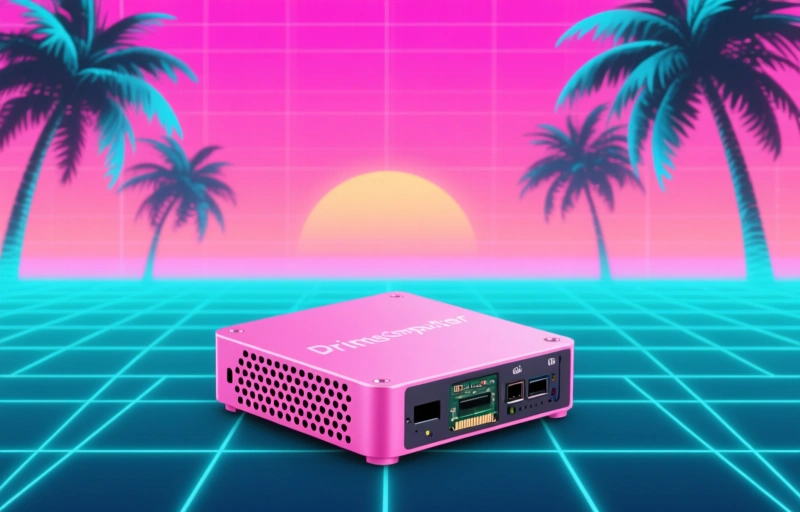
Discover how a barebones mini PC turned an old SSD into a smart, cost-effective computer upgrade. Learn why this compact setup is perfect for reusing spare parts.
Let me tell you about the best tech decision I've made in months. I bought a barebones mini PC, and honestly, it's been a game-changer. You know that old SSD sitting in a drawer, collecting dust? The one you pulled from an old laptop or desktop? I finally found a use for it, and it's not just about saving money. It's about being smart with what you already own.
I used to think I needed a brand-new computer for every little task. But then I realized I had a perfectly good 512GB SSD lying around. Instead of letting it rot, I grabbed a barebones mini PC. No RAM, no storage, no operating system. Just the motherboard, processor, case, and power supply. And you know what? It was the right call.
### Why Go Barebones?
Barebones mini PCs are the unsung heroes of the tech world. They're compact, efficient, and surprisingly powerful. But the real kicker is the cost. You're not paying for components you already have. If you've got an old SSD and some RAM sticks from a previous build, you're already halfway there.
Here's what I love about this setup:
- **Cost-effective**: I spent just $150 on the barebones unit. No need to buy storage or memory I already owned.
- **Compact footprint**: This thing sits on my desk without taking up space. It's about the size of a thick book.
- **Upgradeable**: I can swap out the SSD later or add more RAM. It's not locked down like a laptop.
- **Energy efficient**: It uses maybe 30 watts under load. My old desktop pulled 200 watts easy.
### The Setup Process
Putting it together was a breeze. I popped open the case, slid in the SSD, and snapped in some RAM I had from an old laptop. The whole thing took maybe 10 minutes. No tools required. Then I installed Windows 11 from a USB drive, and I was off.
I use it as a secondary machine for browsing, streaming, and light office work. It handles all of that without breaking a sweat. The fan is barely audible, and it stays cool even after hours of use.
### Who Should Consider This?
If you're a tech enthusiast with spare parts, this is a no-brainer. But even if you're not, consider this: a barebones mini PC can be a great way to dip your toes into building your own computer without the complexity of a full desktop build. It's also perfect for a home server, a media center, or a dedicated workstation for a specific task.
> "The best tech purchase I've made all year wasn't a shiny new laptop or a gaming rig. It was a $150 box that let me breathe new life into old hardware."
### Final Thoughts
Look, I'm not saying you should rush out and buy one today. But if you've got old components gathering dust, a barebones mini PC might be the smartest thing you do this year. It's practical, affordable, and surprisingly satisfying. Plus, you'll feel a little bit like a tech wizard when you boot it up for the first time.
So go ahead, dig through that drawer. You might just find your next computer waiting for you.